
Transforming Space Travel Documentation through Augmented Reality

SpaceX AR Boarding Experience

Background

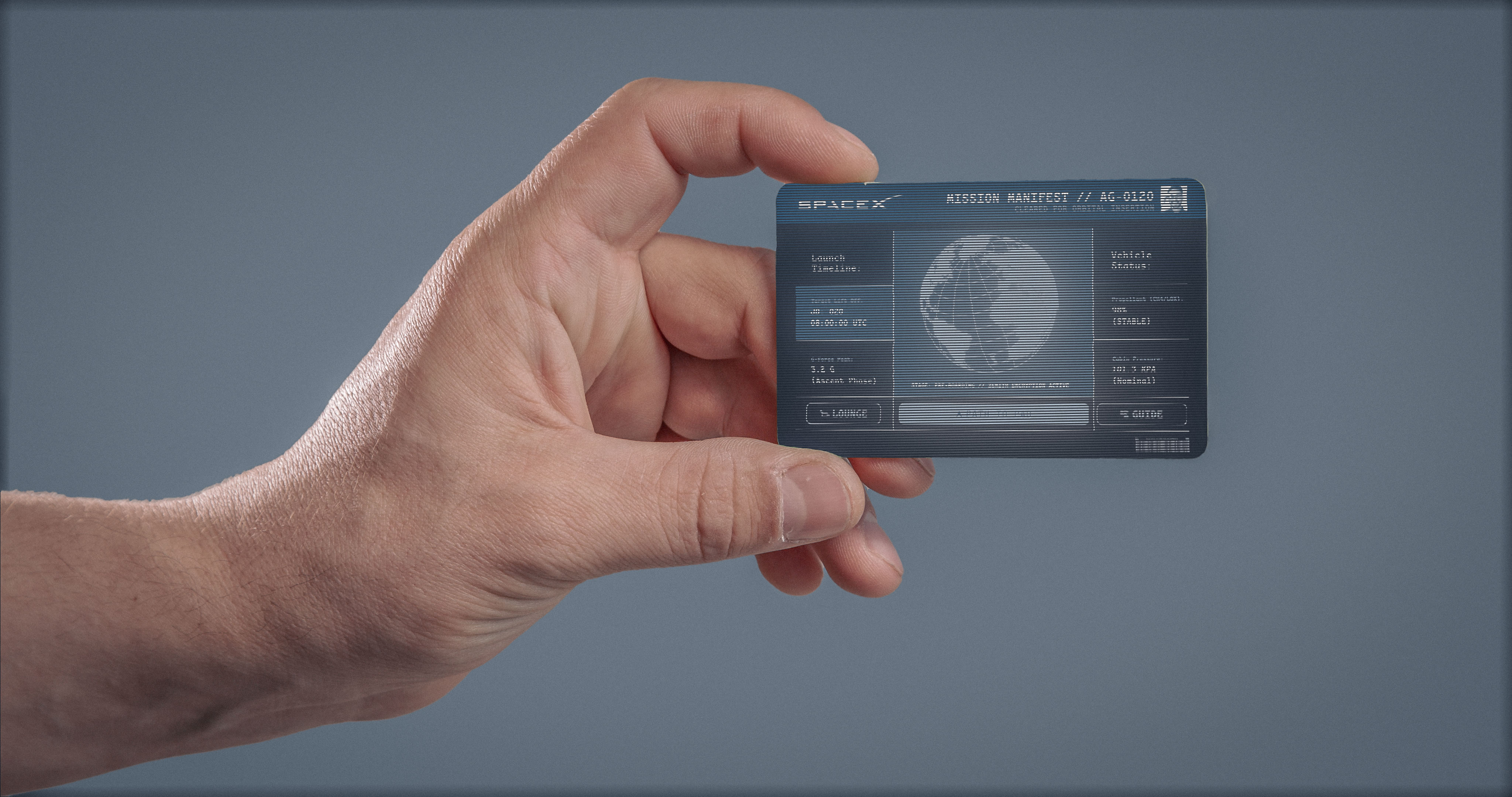
SpaceX explored replacing traditional boarding passes with a secure AR boarding experience for ISS passengers. The concept centers on a credit card–sized physical key that reveals live travel and mission data when viewed through a device—blending security, clarity, and spectacle.

Challenges

Space travel requires absolute precision, yet SpaceX’s brand demands a sense of awe. The challenge was designing a core AR UI flow that:Secures sensitive passenger and mission dataPrevents information overloadCommunicates critical details instantly, even under pressure

Date

1/16/26

Timeline

1 Week

Client

SpaceX

Role

UI / VisualSystem Design Interaction Flow

Tools

High-Stakes
Clarity
Futuristic UX

Design Strategy

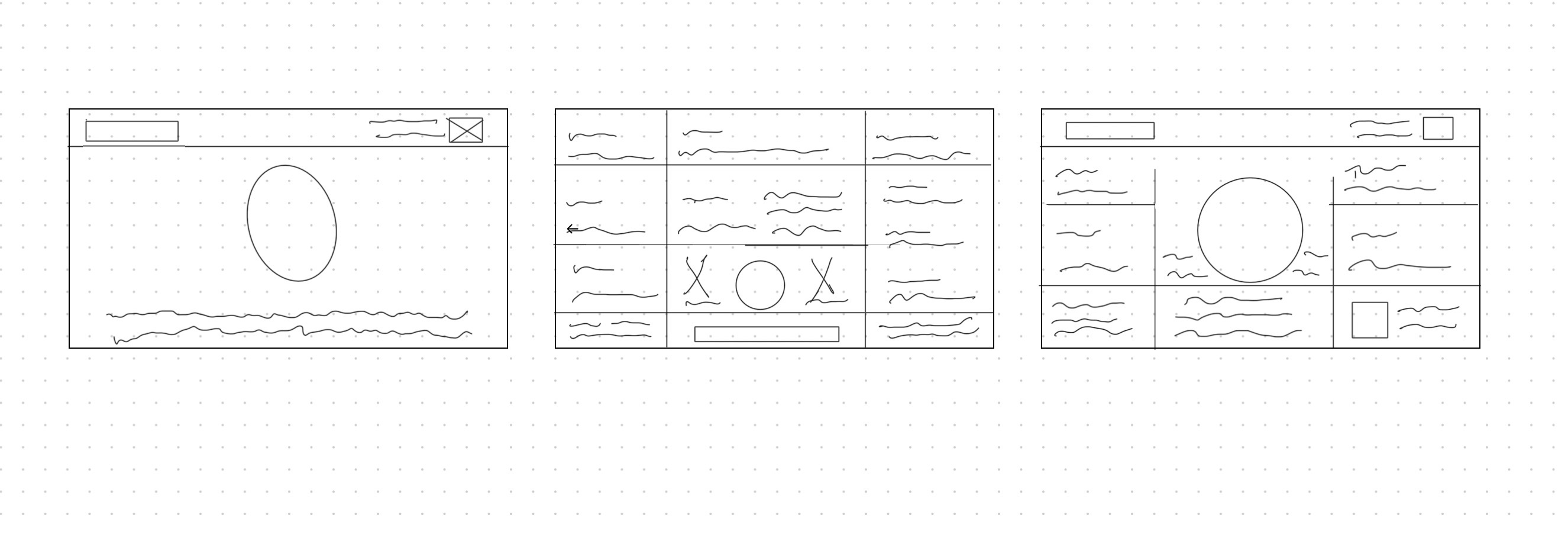
Progressive Disclosure as the Core UX Pattern

Authentication

Secure entry point; no data visible

Boarding Pass

Essential travel details at a glance

Manifest

Deep mission and vehicle tele

UI System for AR Readability

Typography

High-contrast, tightly controlled hierarchy

Color

Essential travel details at a glance

Iconography

Deep mission and vehicle telemetry

Motion

Smooth, deliberate transitions to convey precision—not novelty

Key Screens

Authentication

An expanded view for engaged users, revealing deeper mission data including time to orbit, orbital parameters, and real-time launch status.

AR Boarding Pass

Locked state with biometric prompt. Motion and micro-feedback signal readiness without revealing data.

Authentication

The primary state prioritizes instant clarity, displaying the passenger name, destination, seat, launch pad, and live T-minus countdown.

The Pivot

The Solution

Typography
Colors
Buttons
Logomark
Font Selection

Adaptive Mono OT

Heading Selection

SpaceX

Subheading Selection

SpaceX

Paragraph Selection

To explore SpaceX’s AR boarding experience, I designed a visual system focused on clarity, precision, and operational trust. The system uses a restrained color palette, high-contrast typography, and modular UI components to ensure critical information remains legible and consistent across all stages of the experience.

Color Palette
primary
#00F2FF
Secondary
#FFFFFF
Dark
#232323
Netural
#9c9c9c
Buttons
Path to Pad
View Flight Trajctory
Logo